TaskRox in your pocket on site.
The Android app brings TaskRox field workflows to supervisors, engineers and crews: tasks, QA, HSE, daily reporting, photos, plant, workforce, roster, documents and site pass.
54.2 MB · version 1.3.0 (build 5) · built 2026-07-29 · Android 7.0 (API 24) or later · 64-bit ARM
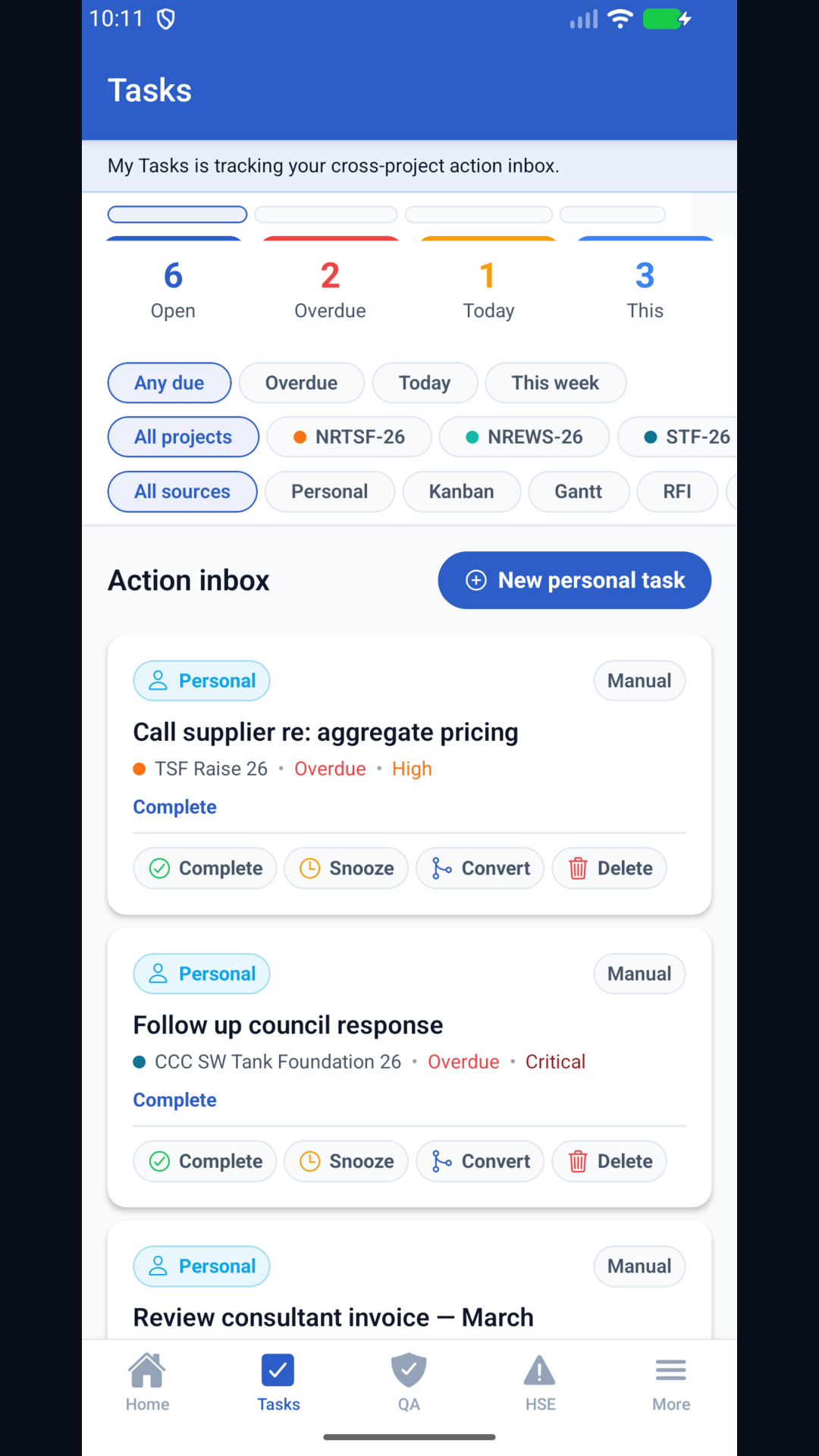
Built for the smaller screen, not squeezed from desktop.
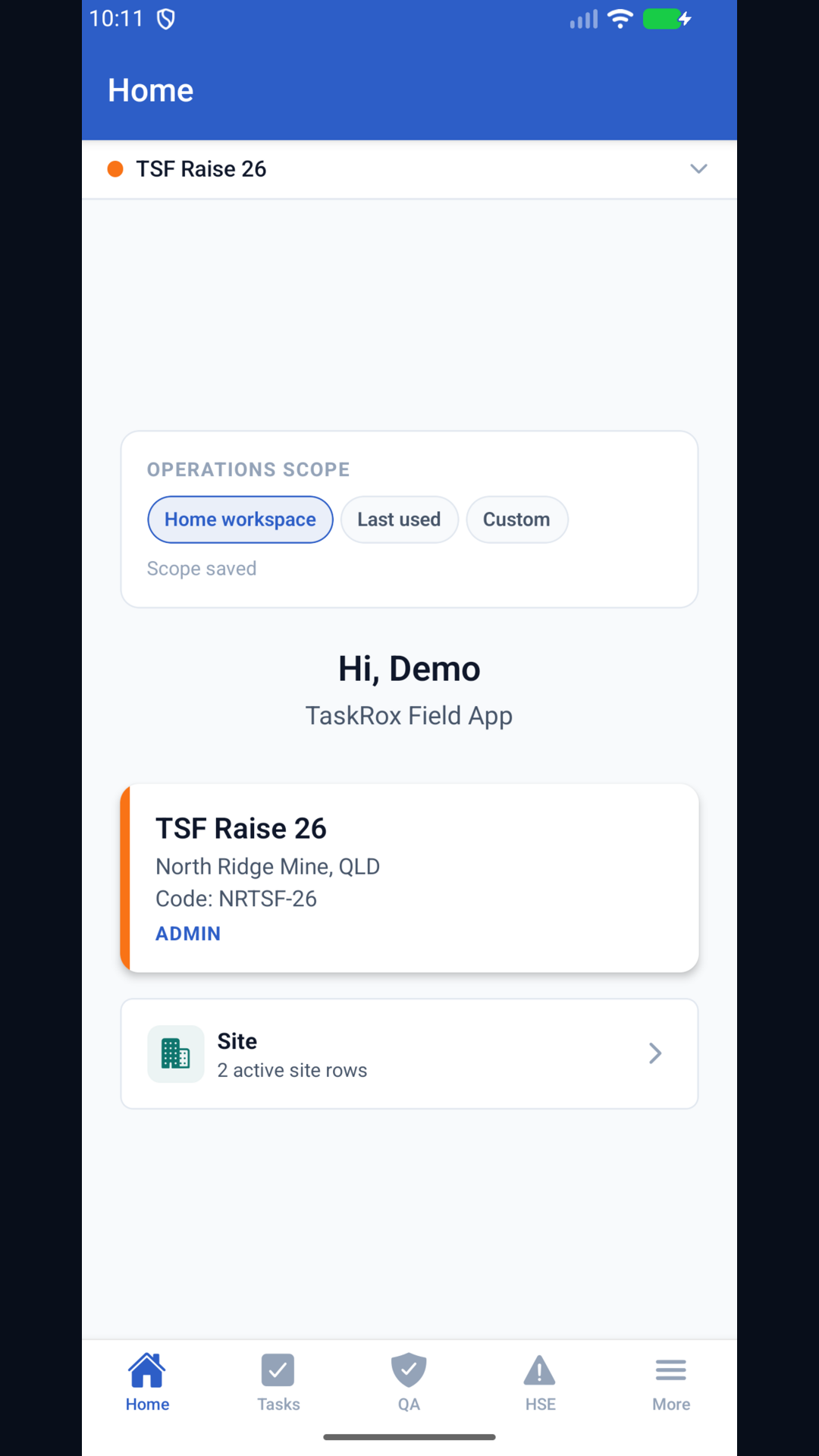
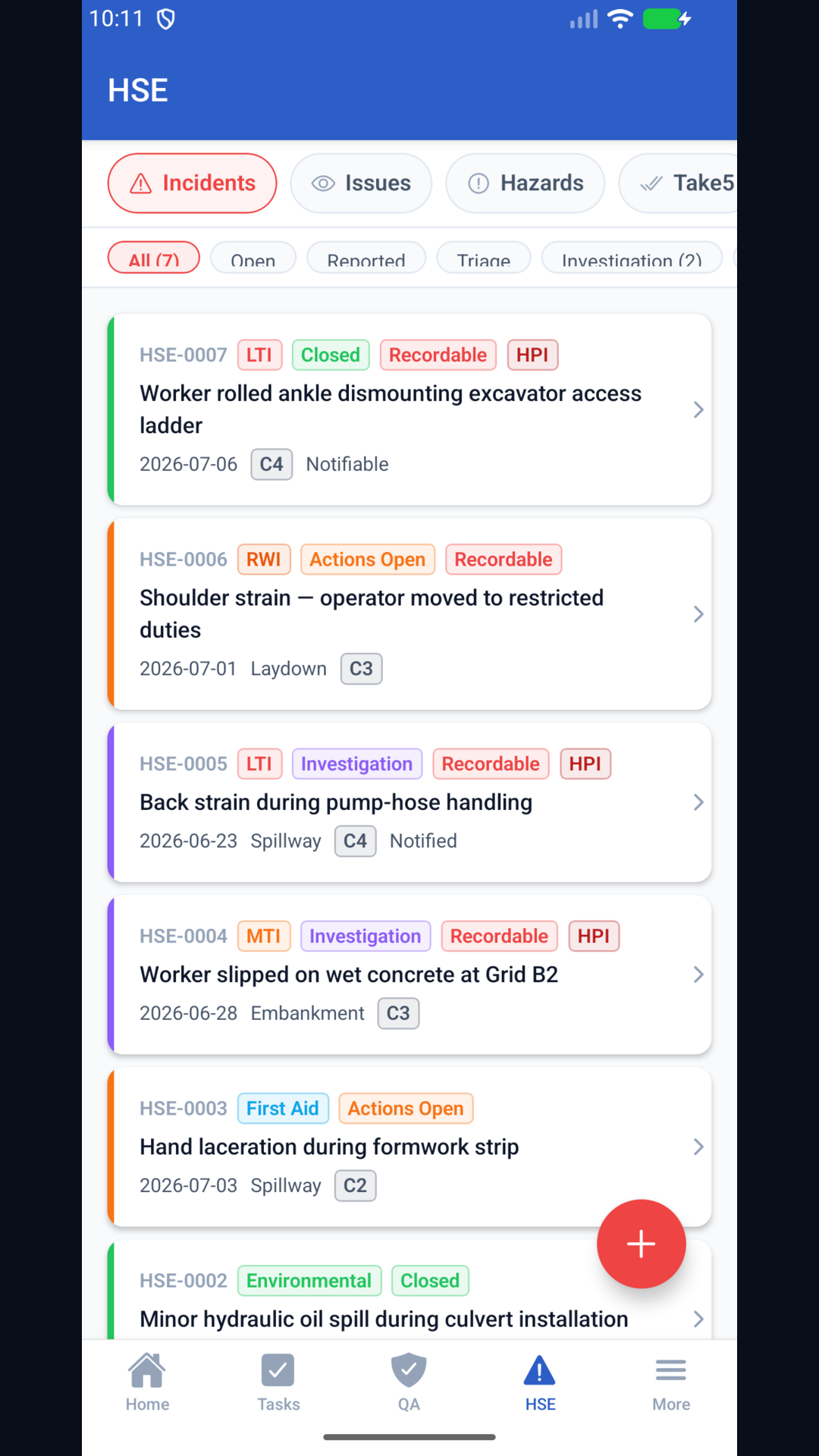
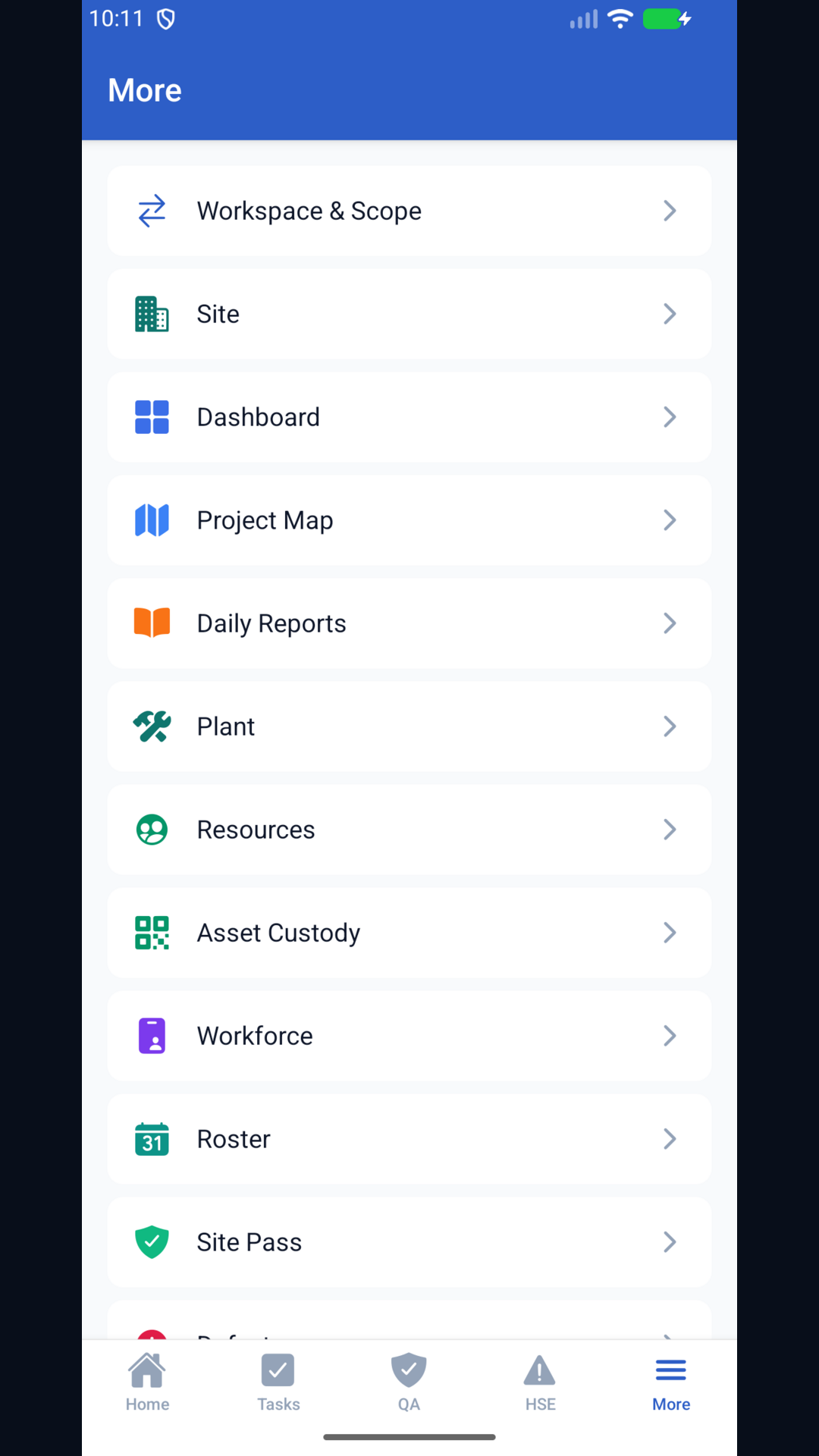
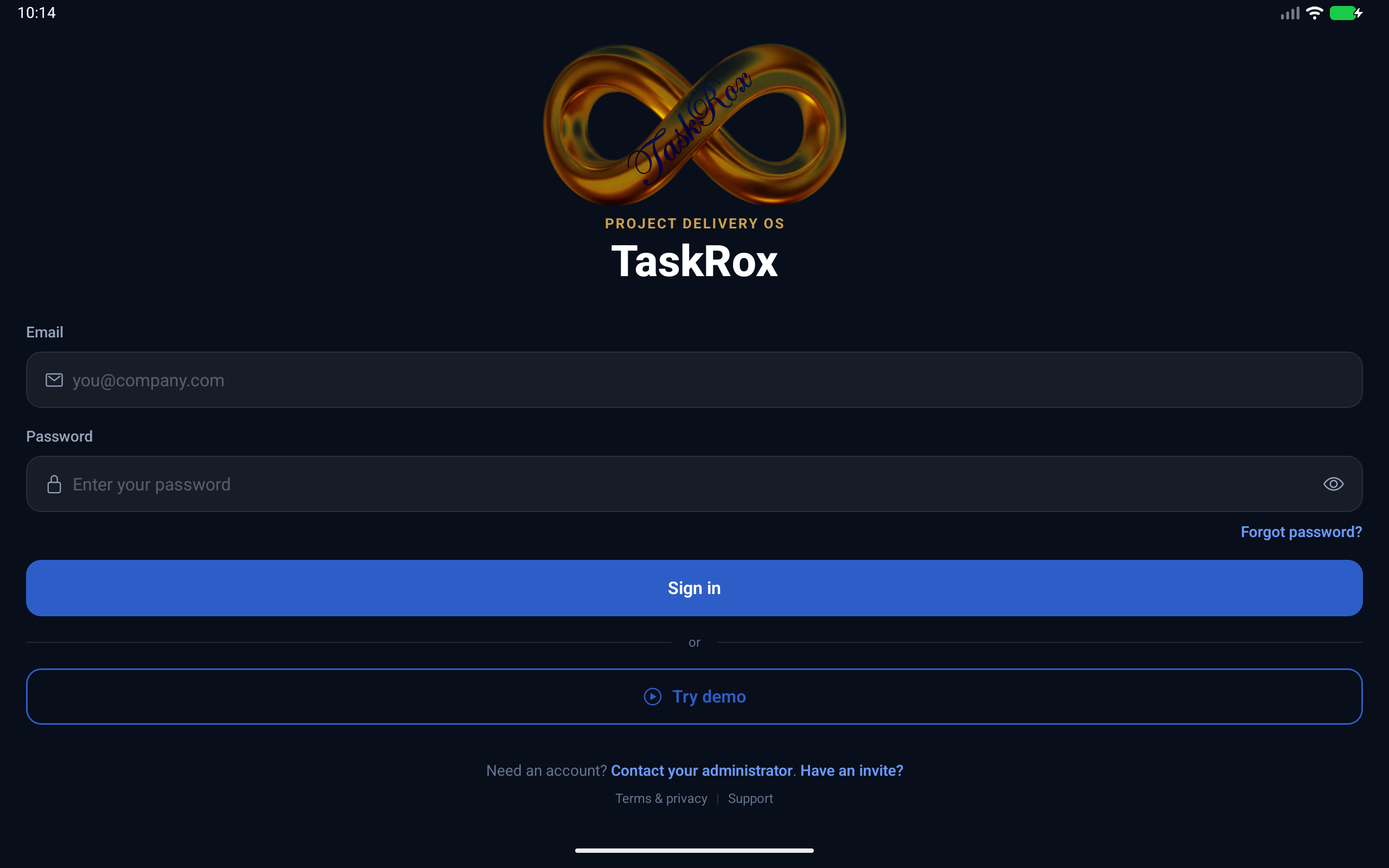
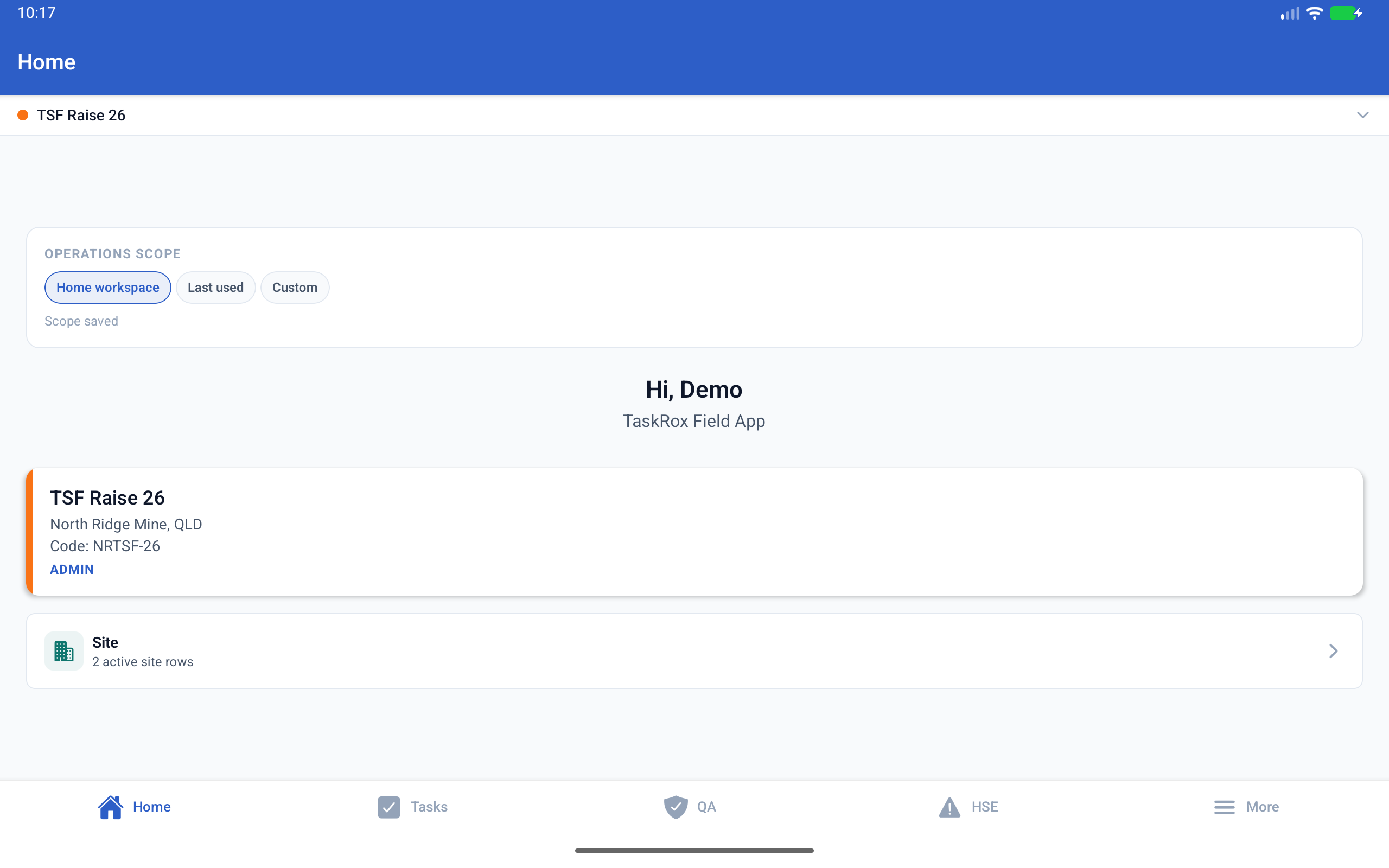
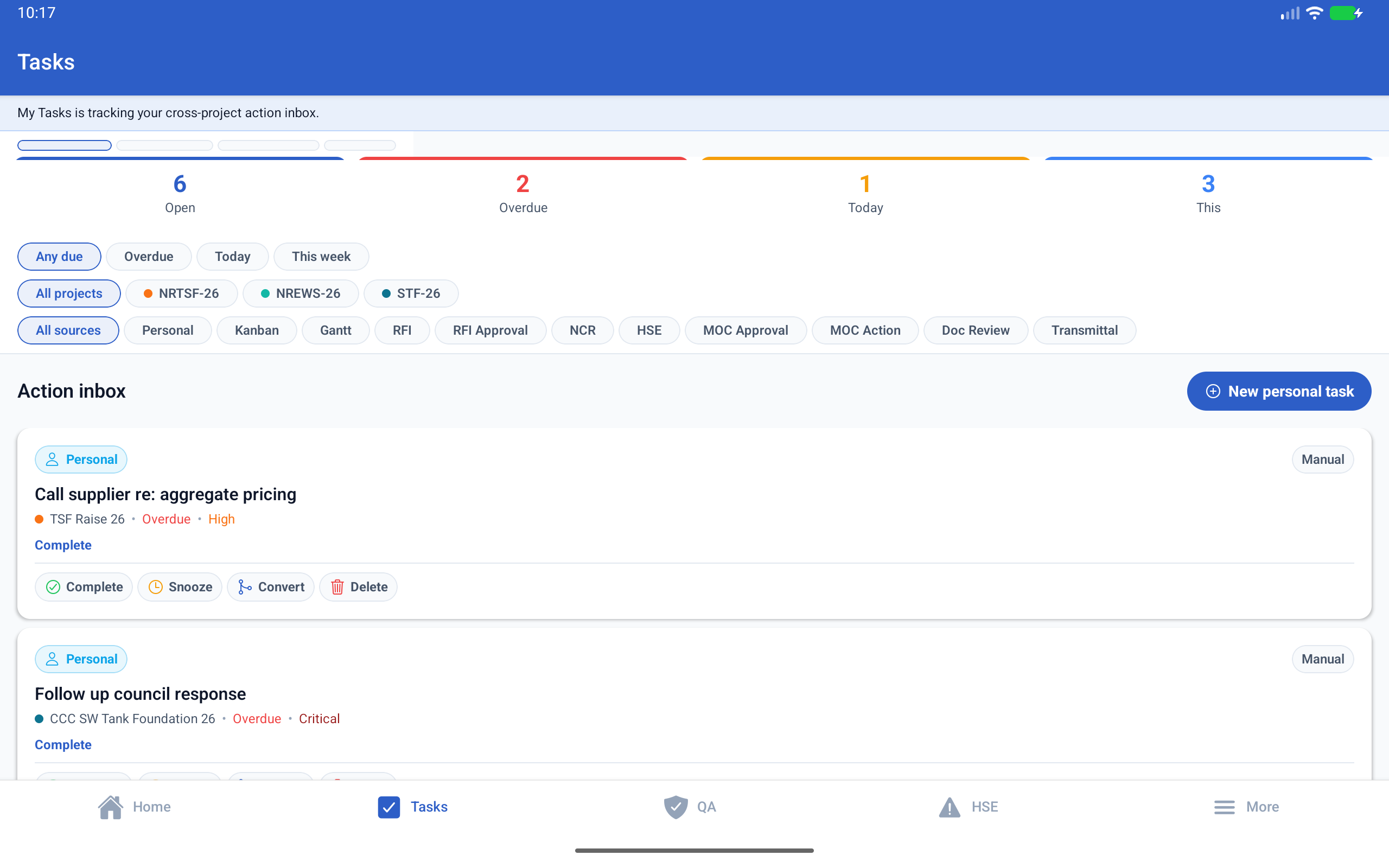
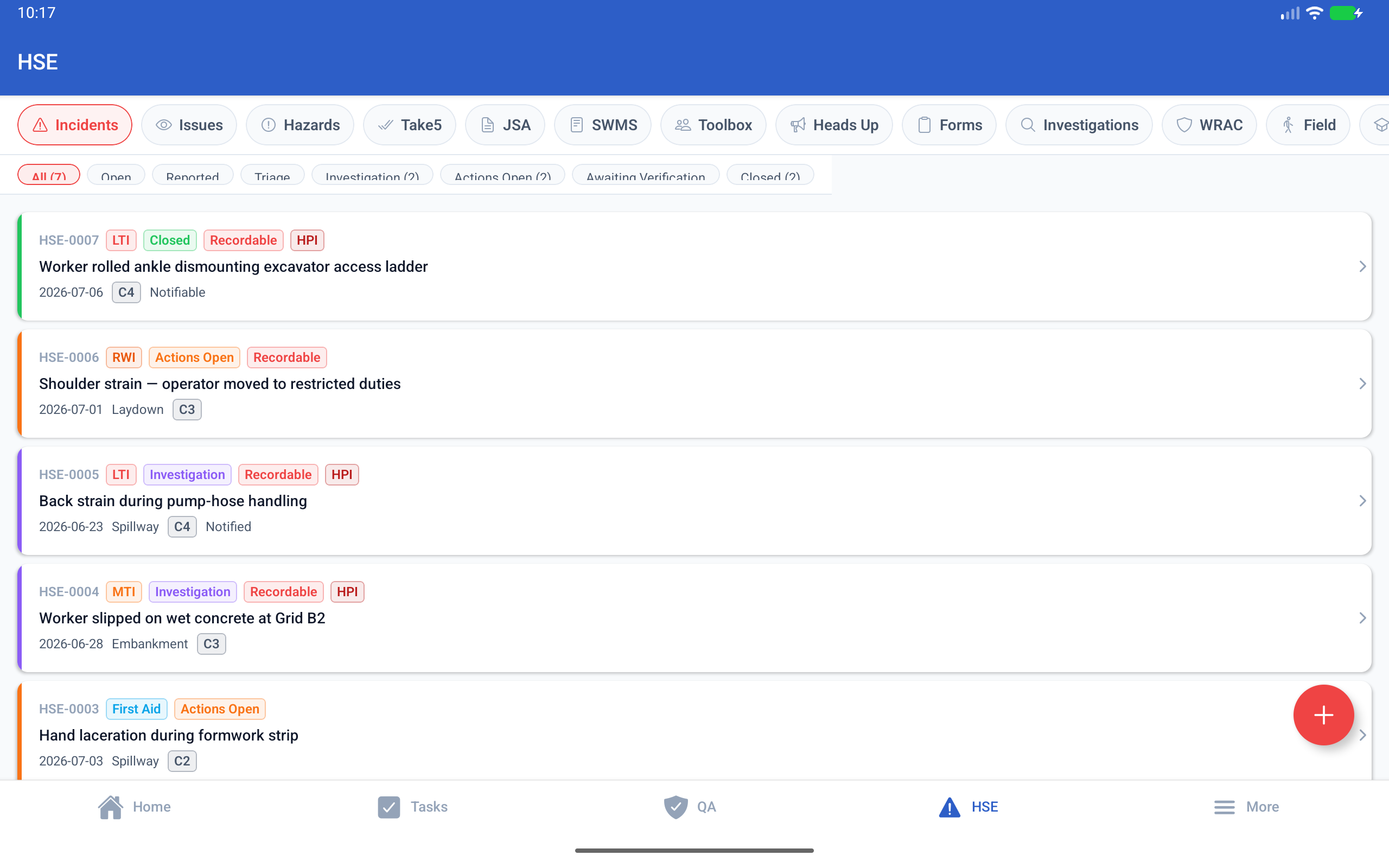
These are the current Play Store phone and tablet captures from the Android app: login, project home, tasks, HSE and field module navigation.
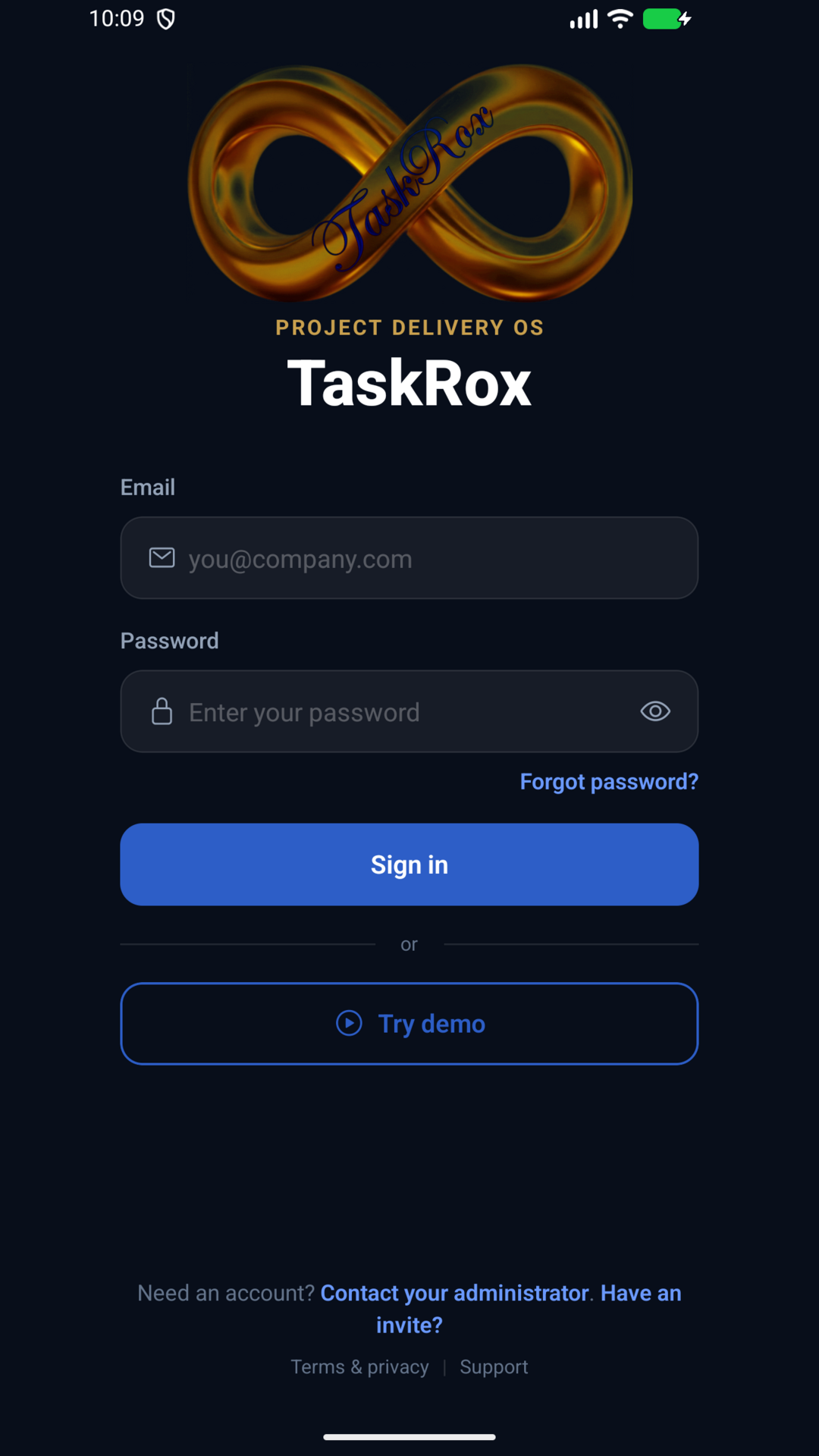
Tablet layout for larger Android devices.
The same mobile app scales to tablet views for crews using rugged tablets or larger site devices.
What it is made to do on site.
Open the day from site
Start from the active project, switch scope quickly and jump into the records that matter on the shift.
Work the action inbox
See overdue, due-today and upcoming items without carrying the whole desktop workspace into the field.
Capture controlled records
Use mobile-first HSE, QA, daily report, document, plant and site pass workflows against the same backend.
Keep working offline
Field actions can queue locally and sync back when the device regains connection.
App coverage
- Task management - cross-project action inbox
- QA - NCRs, test requests and ITPs
- HSE - incidents, issues, hazards and investigations
- Daily reports and site photo evidence
- Documents, messaging and approvals
- Plant, workforce and roster browsing
- Site Pass QR scanning
- Offline capture with automatic sync
Early access direct APK
Google Play is pending. Until then, this page is the official direct-download source for the signed TaskRox Android release.
Use the universal APK for a phone from before about 2017, or for an Intel-based device or emulator. Universal size: 134.7 MB.

Scan from a desktop
Open this page on your phone, then download and install from Android.
Release details
| App name | TaskRox |
| Package name | com.taskrox.android |
| Version | 1.3.0 (version code 5) |
| Build date | 2026-07-29 |
| Minimum Android | Android 7.0 (API 24) |
| Size (arm64 / universal) | 54.2 MB / 134.7 MB |
| SHA-256 (arm64) | 2eb0cea73c9514da872b9e8a3f9b0529a25c7738fa66558e7e83f6f22daf229d |
| SHA-256 (universal) | bdd8cd80605ce1d555f8ee073a1fb25c8542521a36ffbe577e859094fb2c3fb5 |
Verify the download before installing: the file's SHA-256 checksum must match the value above exactly.
What's new in 1.3.0
- Dark mode: the app now defaults to a dark theme matching TaskRox web, with Light and follow-System options under More → Appearance — your choice is remembered on the device.
- Fixed the universal APK failing to start on x86/Chromebook-class devices.
- QA screen polish: status filter chips and due dates now render correctly.
Install instructions
- Download the APK using the button above.
- Open the downloaded file from your notification shade or file manager.
- If prompted, allow your browser or file manager to install unknown apps. This is required for any app installed outside Google Play.
- Confirm the install. Android may show a warning that the app is from outside Google Play; this is expected for a direct APK.
- Open TaskRox and sign in with the account your organisation provides, or tap "Try demo".
Already have an older TaskRox preview build installed? Uninstall it first. Earlier preview builds were signed with a different key, and Android will refuse to update across signing keys.
Why Android warns about this install
Android flags any app installed from outside Google Play as an "unknown app". That warning reflects the install channel, not the app itself: this APK is the official TaskRox release build, signed with the TaskRox release key, downloaded directly from taskrox.com over HTTPS. Never install TaskRox APKs from any other website or app store. This page is the only official direct-download source.
When a new version is released, the app shows an update notice pointing back to this page. The download links always serve the latest release. Automatic updates arrive with the Google Play listing.
Google Play status
TaskRox is headed to Google Play; the listing is pending business verification (D-U-N-S) for TASKROX PTY LTD. Once live, Play becomes the primary install channel with automatic updates, and this page will point there.
Privacy and support
The app is covered by the TaskRox Privacy Policy. For install help or anything else, email admin@taskrox.com or use the contact page.